
Step-by-Step Guide

How to Create Ads with AI — Simple, Fast, and Free

No copywriting skills. No design experience. No marketing background. This guide shows you exactly how AdForge's AI ad generator works — from your first input to a launch-ready ad in under 3 minutes.

3 min to first ad
No experience needed
5 platforms supported
Free to start
AdForge — Live Demo
Coffee shop in NYC targeting busy morning commuters...
Platform:FacebookInstagramGoogle
Facebook Ad
Score 94/100

Your Morning Fuel, Perfected.

Skip the line. Sip something better. Fresh-brewed specialty coffee made for busy New Yorkers — order ahead and grab it on your way.

Order Now →

↑ Watch AI generate a real ad in seconds

Full Walkthrough

The Complete Step-by-Step Process

Here's exactly how creating ads with AI works in AdForge — every step explained in plain English for complete beginners.

Step 01: Set Up Your Business Profile
01

Set Up Your Business Profile

2 minutes, once — then it remembers everything

Start by telling AdForge about your business. Enter your business name, industry, target audience, key services or products, and unique selling points. This profile is saved permanently — every future ad generation uses this context automatically, so you never have to repeat yourself.

Pro tips:

Be specific about your audience: "homeowners aged 35–60 in suburban areas" beats "adults"
Include your biggest offer or differentiator — the AI will work it into every ad
Add your tone of voice: professional, friendly, urgent, casual, etc.
Step 02: Choose Your Platform & Campaign Goal
02

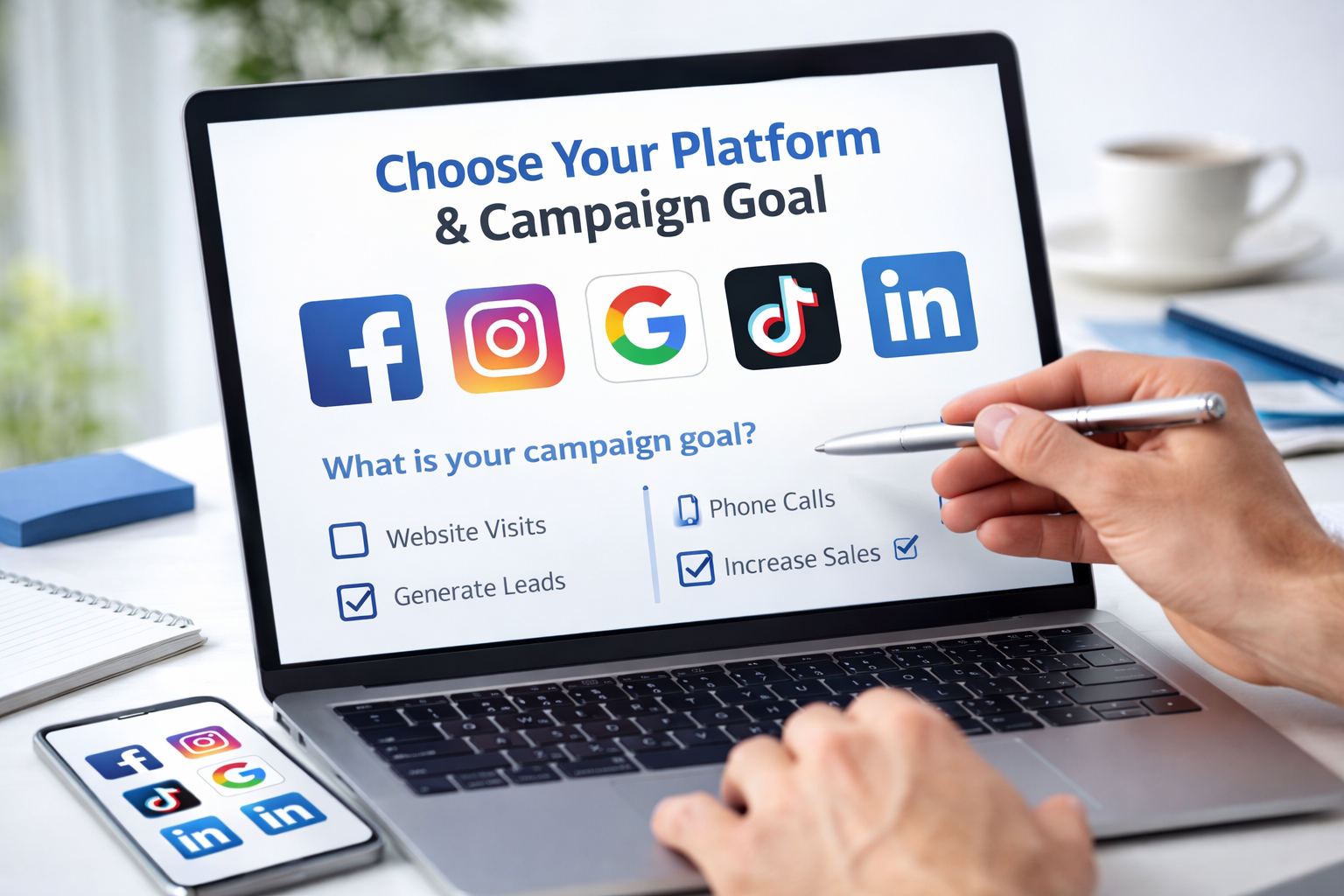
Choose Your Platform & Campaign Goal

Facebook, Instagram, Google, TikTok, or LinkedIn

Select which platform you're advertising on and what your campaign goal is — brand awareness, lead generation, website traffic, app installs, or direct sales. AdForge automatically adjusts its output to match each platform's format requirements, tone expectations, and character limits.

Pro tips:

Facebook and Instagram ads work best with emotional hooks and strong visuals
Google Ads need keyword-rich headlines and benefit-focused descriptions
TikTok ads should be conversational, fast-paced, and scroll-stopping
Step 03: AI Generates Your Complete Ad in Seconds
03

AI Generates Your Complete Ad in Seconds

Copy + image + formatted for your platform

Hit generate. In under 30 seconds, AdForge's AI creates a complete, launch-ready ad: a scroll-stopping hook, compelling headline, persuasive body copy, strong CTA, and a matching AI-generated creative image — all formatted to your platform's exact specs. Multiple variations are generated simultaneously for testing.

Pro tips:

Each variation uses a different psychological angle — compare them before picking
The AI image matches your ad's offer and brand automatically
Regenerate individual variations you don't like without losing the rest
Step 04: Review, Edit & Perfect Your Ad
04

Review, Edit & Perfect Your Ad

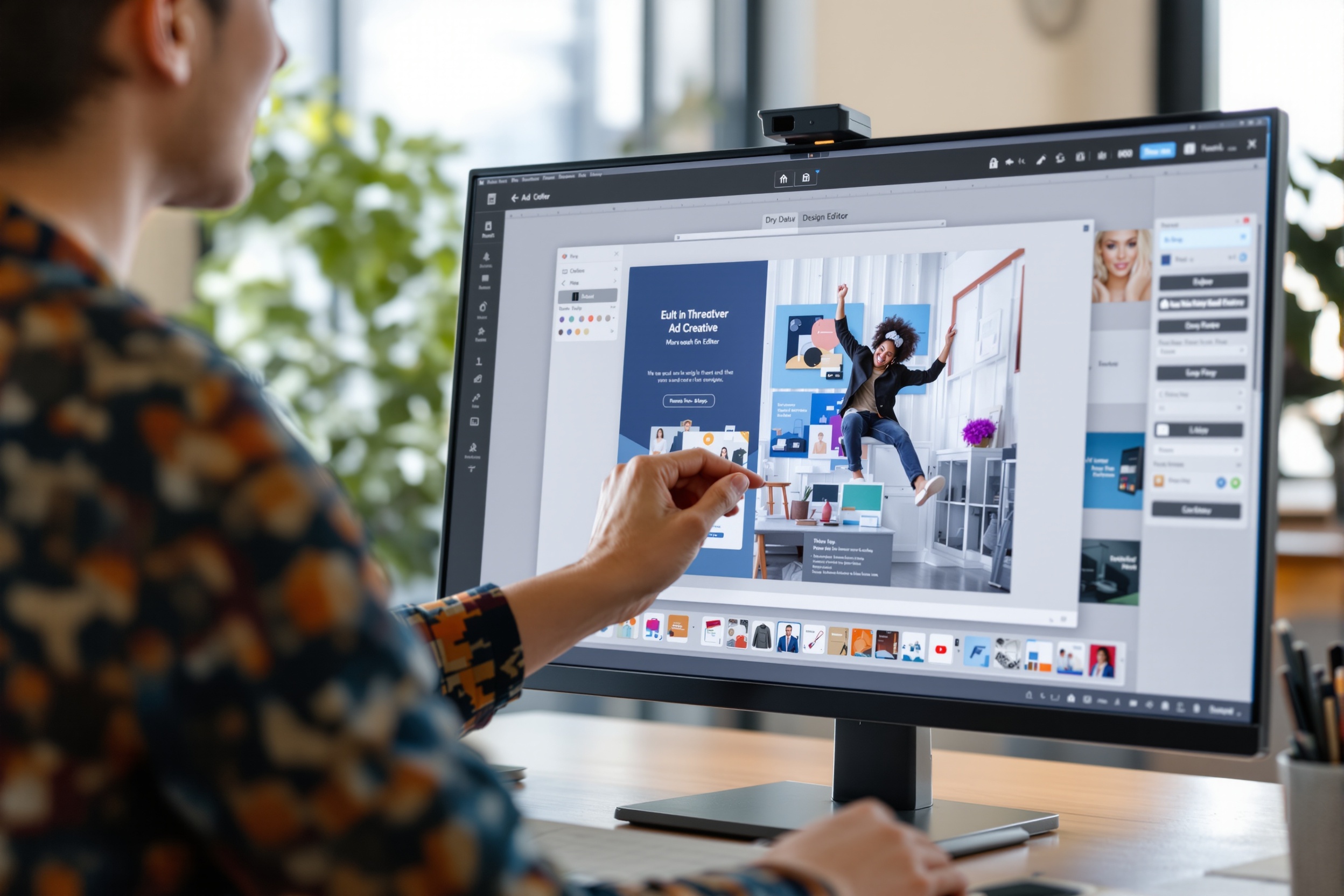
The visual editor makes tweaks effortless

Review your AI-generated ads and make any adjustments in the built-in visual editor. Swap a headline, tweak the image, change the CTA button color, reposition elements — it's all drag-and-drop. Most users spend less than 5 minutes editing before their ad is perfect.

Pro tips:

Try the ad copy on a colleague or friend — gut reactions tell you a lot
Make sure your offer is crystal clear in the headline
Check that the image supports the copy — they should tell the same story
Step 05: Export & Launch Your Ad
05

Export & Launch Your Ad

Ready for any ad manager in one click

Export your finished ad creative at platform-perfect dimensions. Copy the ad text to your clipboard and paste it directly into Facebook Ads Manager, Google Ads, or your platform of choice. Download the image in the correct format and you're live. Start to launch in under 3 minutes.

Pro tips:

Save your best ads to the library — they're great reference for future campaigns
Run 2–3 variations at once to find your winner fast
Monitor CTR in your ad manager and regenerate a new batch if needed
Platform Guide

How the AI Ad Generator Works for Each Platform

Every platform has different formats, audiences, and rules. AdForge automatically adapts your ad to the platform you choose — here's exactly what that looks like.

How to create Facebook Ads ads with AI

Facebook Ads

1200×628px image · 125 char primary text · 40 char headline

Single ImageCarouselLead FormTrafficConversion

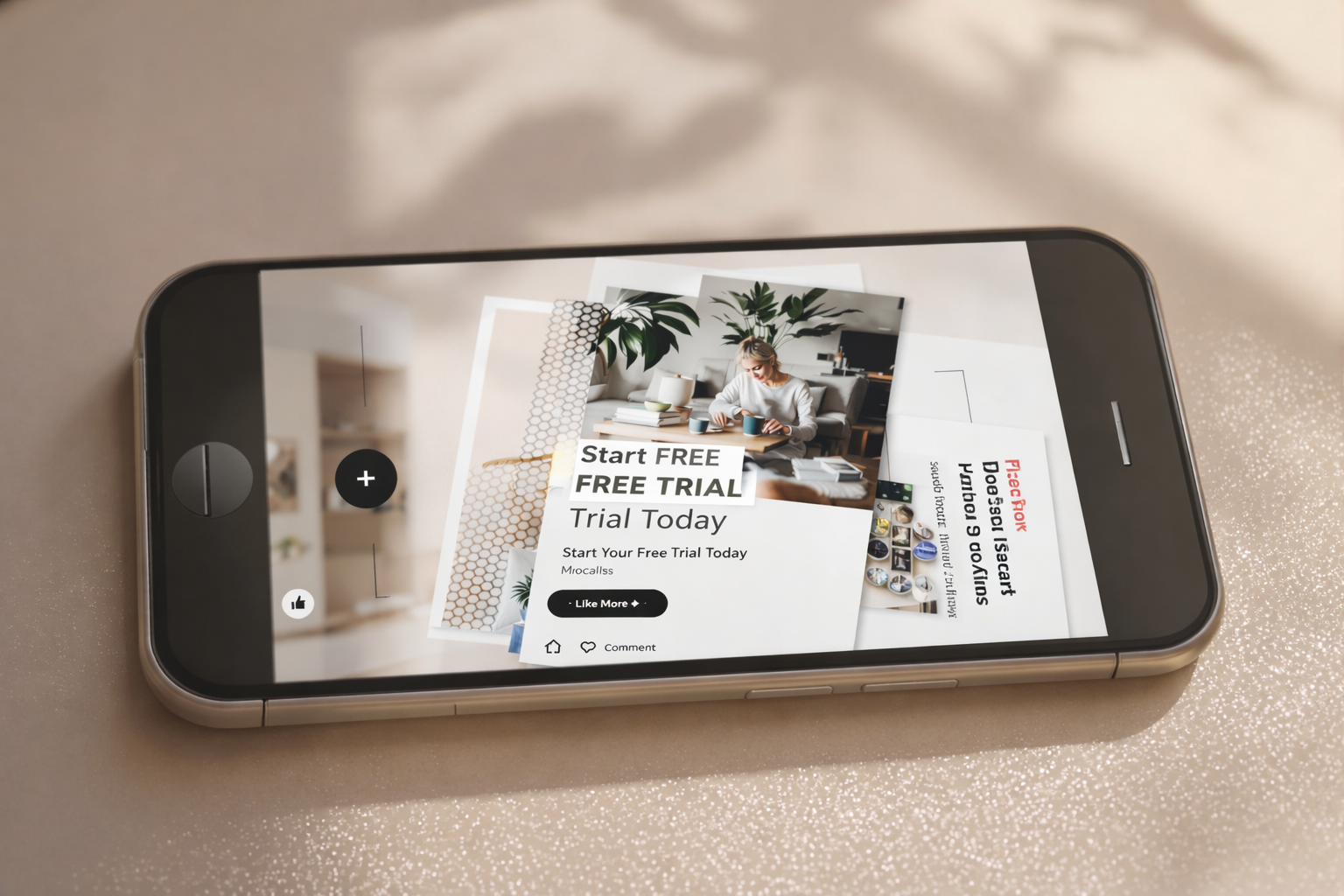
Facebook rewards social proof and emotional storytelling. AdForge leads with a relatable hook before the offer.

How to create Instagram Ads ads with AI

Instagram Ads

1080×1080px square · 2,200 char caption · 30 hashtags max

Feed PostStoriesReelsExploreShopping

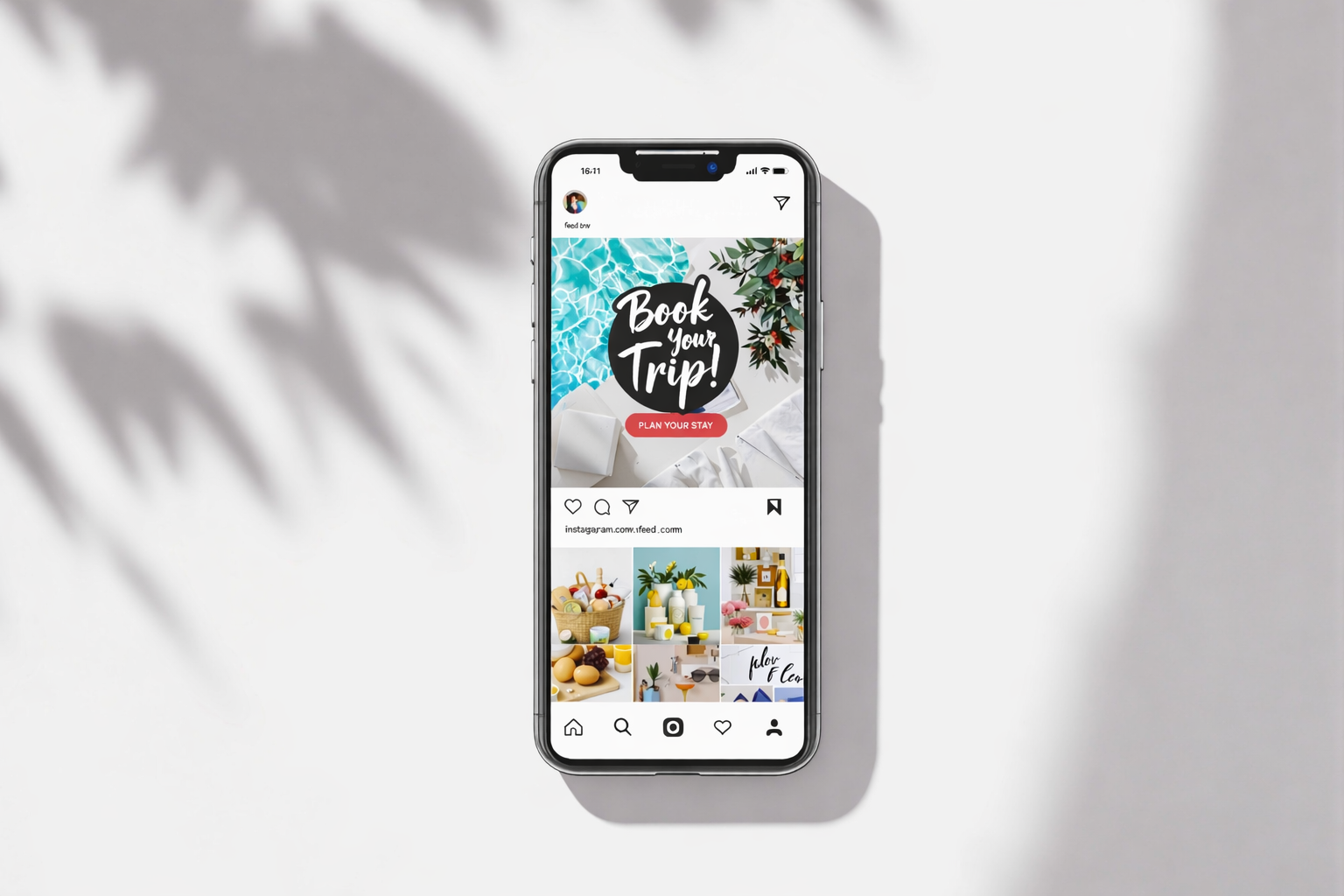
Instagram is visual-first. AdForge generates square-format creatives with minimal text overlay and punchy captions.

How to create Google Ads ads with AI

Google Ads

30 char headline × 3 · 90 char description × 2 · keyword-rich

SearchDisplayPerformance MaxShoppingLocal

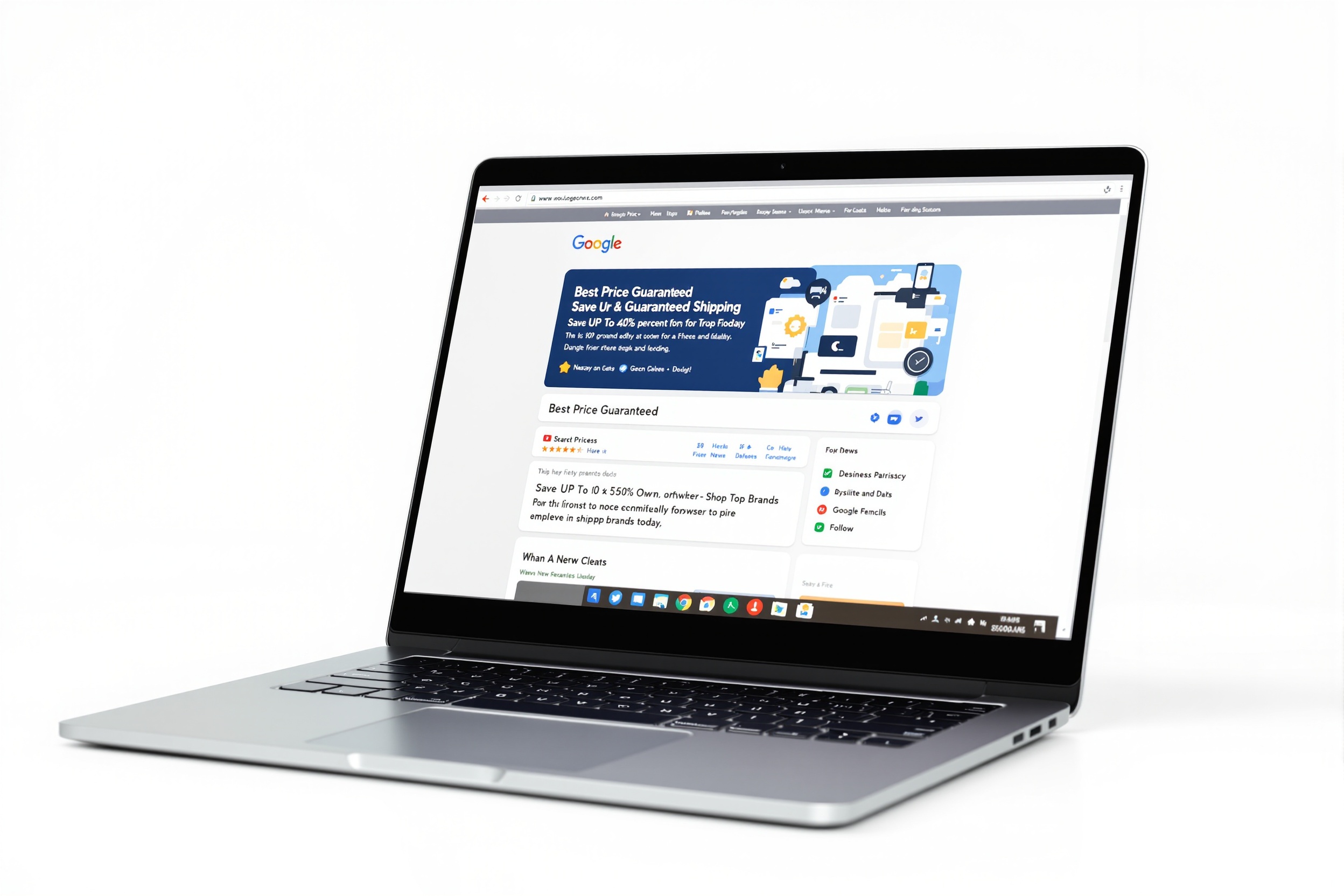
Google Ads need keyword-rich, benefit-forward copy. AdForge structures headlines to match search intent and drive clicks.

How to create TikTok Ads ads with AI

TikTok Ads

9:16 vertical video cover · 80 char text · trending hook style

TopViewIn-FeedBrandedSpark AdsCollection

TikTok copy needs to be fast, conversational, and native. AdForge writes short punchy scripts designed for vertical video.

How to create LinkedIn Ads ads with AI

LinkedIn Ads

1200×627px image · 150 char intro text · 70 char headline

Sponsored ContentMessage AdsDynamic AdsLead Gen

LinkedIn audiences expect professionalism and data. AdForge writes B2B-appropriate copy with authority signals and ROI focus.

More Platforms Coming

Pinterest, YouTube, Snapchat, and X (Twitter) ad formats are on the roadmap. All existing plans will get access automatically.

Already on 5 major platforms →
Output

What You Get From Each AI Ad Generation

One click. One complete, launch-ready ad package. Here's everything that lands in your dashboard after a single generation.

Complete ad copy — hook, headline, body, and CTA
AI-generated creative image in platform dimensions
Multiple variations ready for A/B testing
One-click copy for your ad manager
Downloadable image at correct platform size
Auto-saved to your ad history library
Real Results

What Happens After You Create Ads with AI

Based on aggregated data and user reports from AdForge customers across industries.

3 minutes
Average time from start to launch-ready ad

Most users generate their first ad in under 3 minutes — including setup. No learning curve, no tutorials needed.

47%
Average CTR improvement over manually written ads

AdForge users report significantly higher click-through rates because the AI applies proven conversion frameworks to every ad.

6+ hours
Saved per week by agency users

Agencies managing multiple clients save 6 or more hours every week by replacing manual ad writing with AI generation.

$400+
Average monthly savings vs. hiring a copywriter

The average freelance copywriter charges $100–$200 per ad. AdForge replaces that cost entirely — starting free.

FAQ

Common Questions About How AdForge Works

Everything beginners ask before creating their first ad with AI — answered.

Most users create their first complete, launch-ready ad in under 3 minutes. Setting up your business profile takes about 2 minutes the first time — after that, each generation takes under 30 seconds. The AI generates ad copy and a matching image simultaneously, so there's no waiting.

You Now Know How It Works — Try It for Real

In less time than it took to read this page, you could have your first AI-generated ad ready to launch. No credit card. No experience required.

10 free ads included · No credit card · Takes 3 minutes